Loading Types
Suppliers, Customers, and Accounts all have screens for configuring Loading Types. Once a loading type has been defined via the Configuration tab on the Bays menu and thus the loading_type_processing module is enabled, then that loading type ID can be assigned to a business entity using that business entity's Loading Type screen. These Loading Type screens are identical in layout and function across Suppliers, Customers, and Accounts, so they will be discussed as a group in this section.
Screen Types: Maintenance
Screen IDs:
-
Supplier Loading Type: MAINT-130
-
Customer Loading Type: MAINT-039
-
Account Loading Type: MAINT-004
Screen Layout
To access the Loading Type screen for Suppliers/Customers/Accounts, complete the following:
-
On the TMS7 Home screen, search for the desired loading type screen by searching '[Supplier/Customer/Account] Loading Type' in the home screen search bar.
-
Select desired Loading Type screen.
-
Alternatively, a user can navigate to these screens using the Business menu:
-
Select the Business menu.
-
Select the Supplier, Customer, or Account sub-menu.
-
Select 'Loading Type' from the sub-menu.
-
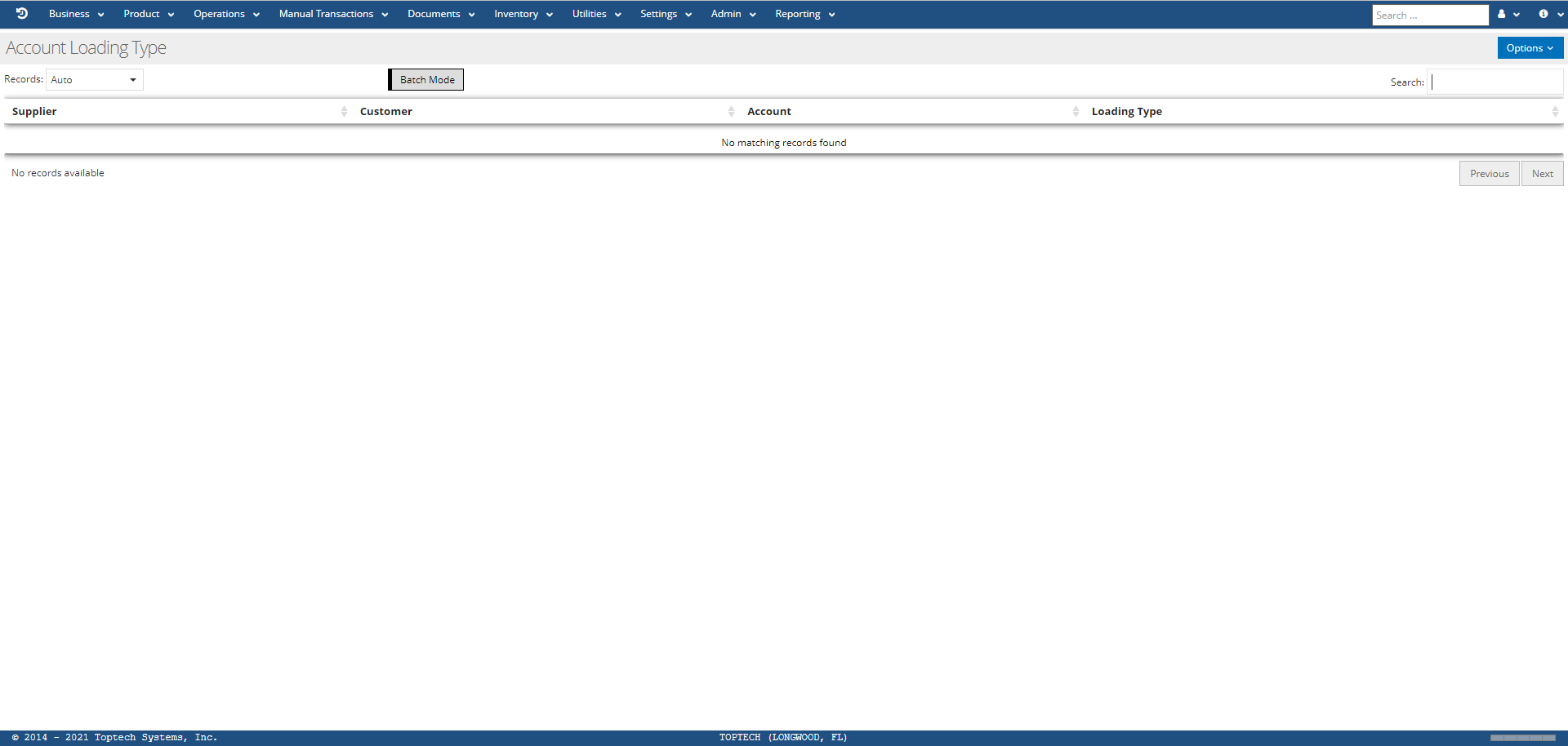
The Loading Type screen will list records for any suppliers/customers/accounts that have had a loading type configured depending on which loading type screen you are viewing. Note that the Loading Type screen also appears as a screen embed on the Suppliers, Customers, and Accounts master screens; you can configure loading types from the master screens or the loading type screens.
Below is an image of the Accounts Loading Type screen.
Detail Screen
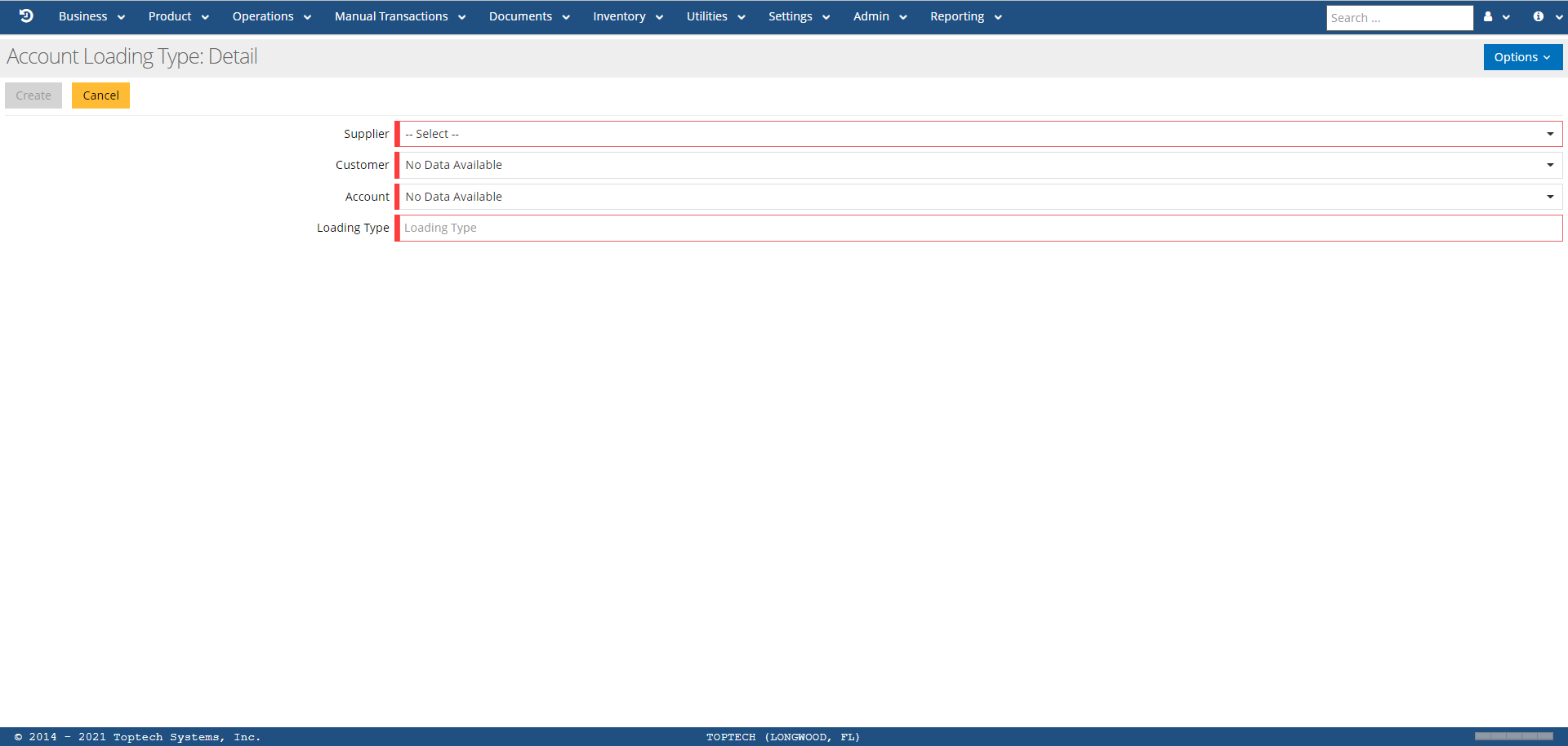
You can select any record from a Loading Type screen to open the Detail screen for that record, or select 'New' from the 'Options' menu to create a new record. Below is an example of the Accounts Loading Type: Detail screen:
The general features of the Loading Type screens are defined in the table below:
| Feature | Description |
|---|---|
| Options |
The 'Options' menu contains the following features:
|
| Supplier/Customer/Account |
If using Supplier Loading Type screen:
If using Customer Loading Type screen:
If using Account Loading Type screen:
|
| Loading Type | Enter a loading type ID to specify this account's loading type in the loading_type_processing module. These IDs are configured via the Bays screen and the blt= command option. |